
Ask a chat model to "write me a cover letter" and you get the letter everyone sends: enthusiastic, qualified, thrilled to apply, and interchangeable with ten thousand others. The model is rarely the weak link. The prompt is. A cover letter is a matching exercise, your three best facts set against the three things a posting actually asks for, and a model can only match what you hand it.
Below are three cover letter prompts, printed in full. Copy one, replace the bracketed slots with your real details, and paste it into ChatGPT, Claude or Gemini. After them comes how to bend any of the three into a version you reuse all year, then two prompts for a freelance proposal built the same way, and finally the four failure modes that make AI letters sound fake, with the line inside each prompt that blocks them.
The anatomy: five parts, one job each
Every prompt below is built from the same five parts, the same anatomy our PromptPolish tool assembles automatically, taken apart piece by piece in the six fixes a vague request needs:
- Role line. Who is writing. It sets the register and the standards before the task arrives.
- Task. The document you want, stated plainly.
- Context. Your facts and the posting. This is the only raw material the model is allowed to use.
- Requirements. The rules: no invention, a real opener, a length, a matching order.
- Format. Word count, paragraphs, and who the letter is addressed to.
Learn the anatomy once and you can repair any prompt, ours or one you find elsewhere. When a draft comes back generic, one of the five parts is missing, and it is usually Context or Requirements.
Prompt 1: the from-scratch cover letter
Use this when you have the posting, your facts, and no draft yet. It has five slots to fill and one habit to copy: everything the letter claims comes from the Context block, nowhere else.
Act as an experienced career writer drafting a cover letter in my voice.

Task: Write a cover letter for my application for [JOB TITLE] at [COMPANY NAME].

Context: My relevant experience is: [BULLET 1: role, years, one result]. [BULLET 2]. [BULLET 3]. The posting asks for [REQUIREMENT 1], [REQUIREMENT 2] and [REQUIREMENT 3]. I am applying because [ONE SPECIFIC REASON THIS COMPANY, IN YOUR OWN WORDS].

Requirements:
- Use only the facts in my Context. Never invent an achievement, a number, a date, a tool or an employer. Where the posting asks for something my Context does not cover, write [GAP] in the draft so I can see it and decide.
- Do not open with "I am writing to apply" or "I am excited to apply". Open with my strongest matching fact, or with my reason for choosing this company.
- Match my experience to the posting requirements in the order the posting lists them, and cover at most three requirements.
- Write [300] words in [4] short paragraphs. Address it to [HIRING MANAGER NAME, or: the hiring team].
- End with one specific next step, such as an interview at their convenience, not with "thank you for your consideration".
What the slots are doing:
- [JOB TITLE] and [COMPANY NAME]. Copy the posting wording exactly. The letter will be read against that posting, sometimes by screening software before a person sees it.
- The experience bullets. Facts only, and numbers you can defend in an interview. The prompt can only be as honest as this slot.
- [ONE SPECIFIC REASON]. The line no other applicant can copy: a product of theirs you use, a market you already know, a problem you solved for an employer like them.
- [GAP]. The most important slot in the prompt. It turns the model habit of filling silence with fiction into a visible to-do list for you.
- [300] words, [4] paragraphs. Give numbers, not the word "concise". A model follows a count it can check.
Prompt 2: matched to the posting, line by line
Use this when the posting is detailed and you want the letter audited against it before it is written. You paste two blocks, the posting and your experience, and the prompt makes the model show its matching first, prose second.
Act as an experienced career writer drafting a cover letter in my voice.

Task: First match, then write. Below are a job posting and my experience bullets.

Posting:
[PASTE THE FULL JOB POSTING]

My experience:
[PASTE 4 TO 6 BULLETS: role, years, tools, results, all true]

Step 1: List the posting requirements in the posting's own order. Beside each one, write the bullet of mine that answers it, or the word NONE.
Step 2: Write the cover letter using only the matched pairs, strongest match first, in at most [300] words and [4] paragraphs. Where the answer is NONE, leave that requirement out of the letter entirely. Do not soften it, hint at it or invent around it.
Step 3: Under the letter, list every NONE item so I can see my real gaps.

Open the letter with the strongest match, not with "I am writing to apply". Address it to [HIRING MANAGER NAME, or: the hiring team].
The two-step shape is the point. Step 1 forces the gaps into the open before any prose exists, and Step 3 hands you a study list: those NONE lines are what to learn, reframe or accept before you apply. One warning: if Step 1 comes back with matches that are not in your bullets, the model has started inventing. Delete the run and start again.
Prompt 3: the short version, for email bodies and portal boxes
A growing share of applications are read in an email body or a cramped portal text box, where 300 words is too many and a long paste can be cut mid-sentence. This version targets about 150 words and a single idea: the match.
Act as an experienced career writer drafting a short cover letter in my voice.

Task: Write a [150]-word cover letter for [JOB TITLE] at [COMPANY NAME], to sit in the body of an email.

Context: My single strongest match for this posting is [ONE BULLET: role and result]. The posting's top requirement is [REQUIREMENT]. I am choosing this company because [ONE SPECIFIC REASON].

Requirements:
- Three short paragraphs: the match, the reason, the ask. Nothing else.
- Use only facts from my Context. Invent nothing. If something is missing, write [GAP].
- No opener that begins "I am writing" or "I am excited". Start with the match.
- End with one line asking for [an interview / a short call], signed [YOUR NAME].
One bullet is a discipline, not a limitation. A short letter that lands one true match beats a long one that summarises your whole career, because the resume attached under it carries the rest.
Make one yours: four adjustments
The three prompts are starting shapes. Four changes turn any of them into the version you keep:
- Add your voice as a sample. Paste one paragraph you wrote yourself, an email you are proud of, and add this line: "Match the sentence length and formality of this sample: [PASTE YOUR PARAGRAPH]." A model imitates a sample far better than it follows the word "natural".
- Hard-code your length. Decide your number once. A full letter usually lands between 250 and 350 words; the email and portal version sits near 150. Put your number in the slot permanently instead of deciding under deadline pressure.
- Keep a facts file. One document with your verified bullets, results and dates, pasted from every time. It makes the no-invention rule easy to keep, because the model always has enough true material to work with.
- Swap the role line to your field. "Career writer" is a safe default, but "a senior [YOUR PROFESSION] who writes clearly" shifts the register for technical roles. Test two role lines on the same facts and keep the draft that sounds more like you.
The same anatomy, aimed at a client: two proposal prompts
A freelance proposal is a cover letter whose reader has a problem instead of a vacancy, so the anatomy does not change; only the Context slots do. The reader is not asking who you are. They are asking whether you understand the problem, what you will do about it, and what it costs.
Proposal prompt 1: from scratch
Act as an experienced freelancer writing a proposal in my voice.

Task: Write a proposal to [CLIENT NAME] for [PROJECT IN ONE LINE].

Context: The client's problem is [THE PROBLEM IN THEIR WORDS, FROM THEIR MESSAGE OR LISTING]. My relevant past work: [PROJECT 1: what you did, and the result]. [PROJECT 2]. My price is [PRICE] for [WHAT IT COVERS], delivered in [TIMELINE].

Requirements:
- Open with the client's problem and what it costs them, not with my biography.
- Use only the past work in my Context. Never invent a client, a result or a testimonial. Mark anything missing as [GAP].
- Set out the work in phases, each phase with its deliverable, then price and timeline in their own short section.
- Keep it under [500] words. End with one clear next step, and a date by which I will hold this slot: [DATE].
Proposal prompt 2: matched to a brief or job post
Act as an experienced freelancer writing a proposal in my voice.

Task: First check the fit, then write. Below are the client's brief and my relevant work.

Brief:
[PASTE THE JOB POST, BRIEF OR CLIENT MESSAGE]

My relevant work:
[PASTE 3 TO 4 BULLETS, ALL TRUE]

Step 1: Go through the brief point by point. Mark each point CAN DO, with the bullet that proves it, or CANNOT YET, with one line on what I would need.
Step 2: Write the proposal from the CAN DO points only, strongest first: the problem, my approach in phases, price [PRICE] and timeline [TIMELINE], in under [500] words.
Step 3: List the CANNOT YET points under the proposal so I can decide whether to address them, team up, or pass.
Step 3 is the proposal version of [GAP]. A client forgives a stated limit far more readily than a bluff discovered mid-project, and the CANNOT YET list doubles as a filter: it tells you which gigs to skip before they cost you a week.
Four failure modes, and the line that blocks each
1. Invented achievements. Given silence, a model fills it with plausible fiction: percentages, team sizes, tools you have never opened. Every prompt above carries the same defence, the use-only-my-facts rule plus a visible marker, [GAP] or CANNOT YET, so the invention has somewhere honest to go. Even with the marker in place, read the draft against your real record before sending. The system catches most invention, not all of it.
2. Generic openers. "I am writing to express my enthusiasm" tells the reader nothing and spends the one sentence everyone reads. The prompts ban it and order the strongest match first. If a draft still opens soft, delete the first sentence outright. Letters usually improve.
3. Repeating the resume. A letter that re-lists your history competes with the document attached underneath it. The letter has a narrower job: match three requirements, give one reason, ask for one step. The three-requirement cap in Prompt 1 is what enforces it.
4. Wrong length. Length is a property of where the letter will be read, not of how much you have to say. A standalone letter can carry 300 words; an email body cannot, and a portal box may truncate the rest. That is why every prompt carries its number in a slot, and why Prompt 3 exists.
Where PromptPolish fits, honestly
Full disclosure: PromptPolish has no cover letter button, and no proposal button either. Its ten task families cover email, reports, analysis, meetings, social posts, plans, teaching, customer replies, hiring and brainstorming, and the hiring family works the employer's side of the table: job posts and screening criteria, not the applicant's letter.
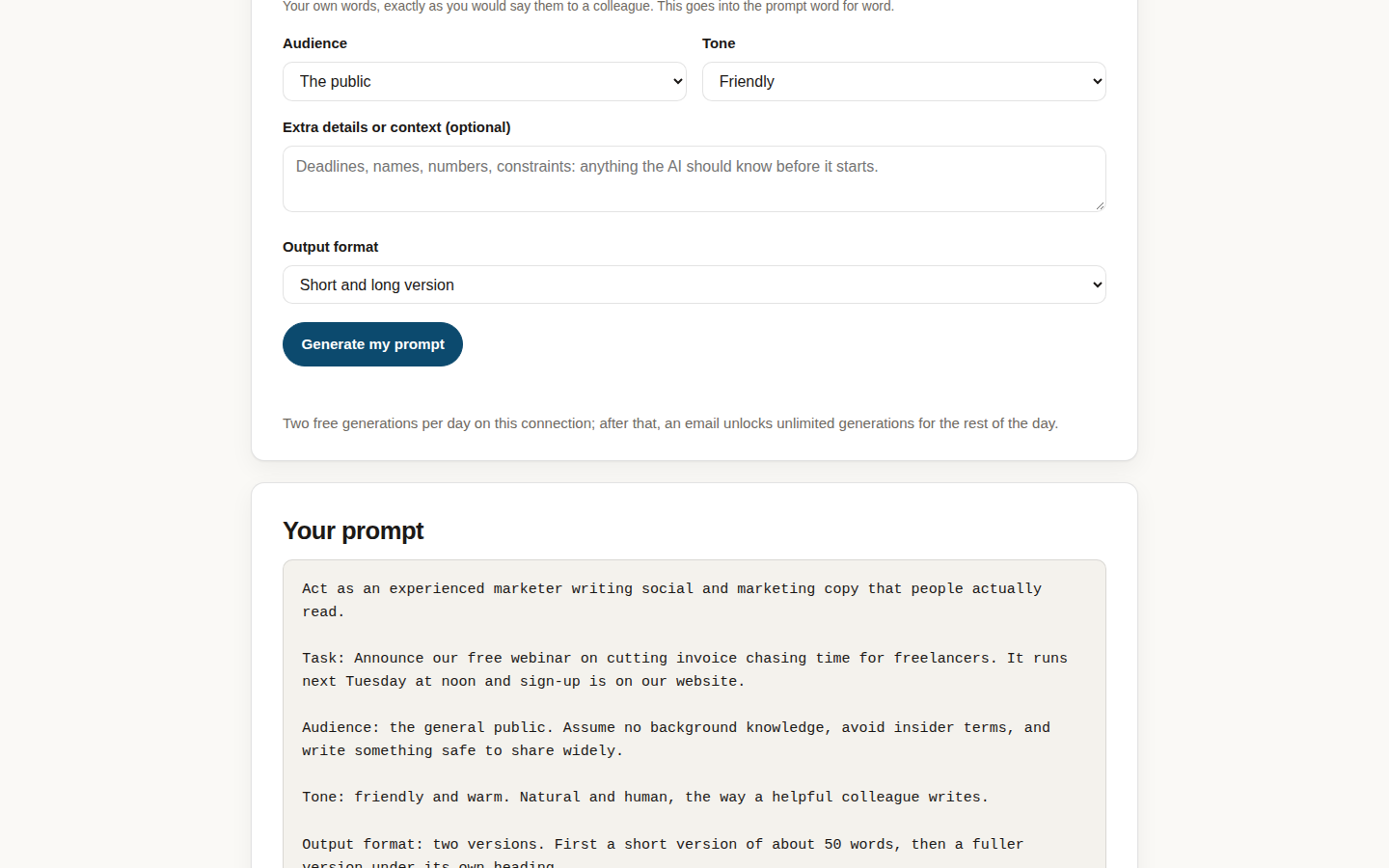
What it shares with this page is the anatomy. In PromptPolish you pick a role, type your task in your own words, choose an audience, a tone and an output format, and the tool adds that family's requirements: three quality constraints you did not have to think of. Pick the freelancer role with the email or plan family and you get the same skeleton the proposal prompts above are built on, assembled in seconds. That makes it the fastest way to vary a prompt you already like: same facts, friendlier tone, shorter format, without retyping the structure. The PromptPolish explainer walks through the controls; two generations a day are free, after that an email unlocks unlimited generations for the rest of the day, and editing a prompt you already made is always free.
And when a proposal lands the work, our freelancers guide covers the tools that handle what comes next: contracts, invoices, and the client emails you will now be writing every week.
Keep the facts file current, keep the [GAP] markers in, and treat every draft as raw material for your own edit. The prompt gets you a letter that sounds like a person. The person still has to be you.